Single-Button Simplicity: 5 Best Beginner Dive Computers for Stress-Free Diving

The Case for Simplicity: Why Your First Computer Should Have One Button
Entering the world of scuba diving is an exhilarating experience, but it comes with a steep learning curve. Between mastering buoyancy, monitoring your air supply, and keeping track of your buddy, a new diver faces significant task loading. Task loading refers to the mental drain caused by managing multiple responsibilities simultaneously. When you are 18 meters underwater, the last thing you want is a piece of equipment that requires a PhD to operate.
This is where the single-button dive computer shines. While high-end, multi-button technical computers offer incredible depth of data, they often lead to confusion for beginners. Navigating complex sub-menus with thick neoprene gloves can result in accidental setting changes or, worse, losing track of your "No Decompression Limit" (NDL) while trying to find a digital compass.
The intuitive logic of a single-button interface is almost universal: a short-press scrolls through the menu, while a long-press selects or enters a setting. This "Press to Scroll, Hold to Select" workflow becomes muscle memory within minutes. By choosing a simplified interface for your first 20 to 50 dives, you free up mental bandwidth to focus on what matters most: your safety and the marine life around you.
| Model | Primary Algorithm | Battery Type | Bluetooth | Form Factor |
|---|---|---|---|---|
| Mares Puck Pro+ | RGBM (Mares-Wienke) | CR2450 | Optional (Clip) | Large Wrist |
| Cressi Leonardo | Haldane/Wienke RGBM | CR2430 | No | Large Wrist |
| Aqua Lung i100 | Pelagic Z+ (ZHL-16C) | CR2450 | No | Large Wrist |
| Scubapro Aladin ONE | ZH-L16 ADT | CR2450 | Yes (Built-in) | Large Wrist |
| Genesis Centauri | Buhlmann ZHL-16C | Rechargeable | No | Watch Style |
1. Mares Puck Pro+: The Timeless Entry-Level Favorite
The Mares Puck Pro+ is often cited as the gold standard for entry-level computers. It builds on the legacy of the original Puck, slimming down the profile while expanding the display size. The screen is a high-contrast, segmented LCD that provides the most critical information—depth, dive time, and NDL—in large, easy-to-read digits.
Technically, the Puck Pro+ utilizes the Mares-Wienke RGBM algorithm, which is known for its conservative approach to safety, making it ideal for beginners. Navigating to your Nitrox settings or reviewing your logbook history is straightforward. Even as you progress to Advanced Open Water or Rescue Diver certifications, the Puck Pro+ remains a reliable backup or a primary tool for recreational no-stop diving.
Expert Tip: The Puck Pro+ allows for firmware updates. Always check the Mares website to ensure your device is running the latest software version to optimize battery life and algorithm accuracy.
2. Cressi Leonardo: Rugged and Reliable
If you are looking for a "tank" of a computer, the Cressi Leonardo is the answer. It was the first computer designed and built entirely by Cressi in Italy. Its defining feature is the PCD System (Progressive Controlled Decompression), which provides a highly visual and audible interface for managing your ascent rates.
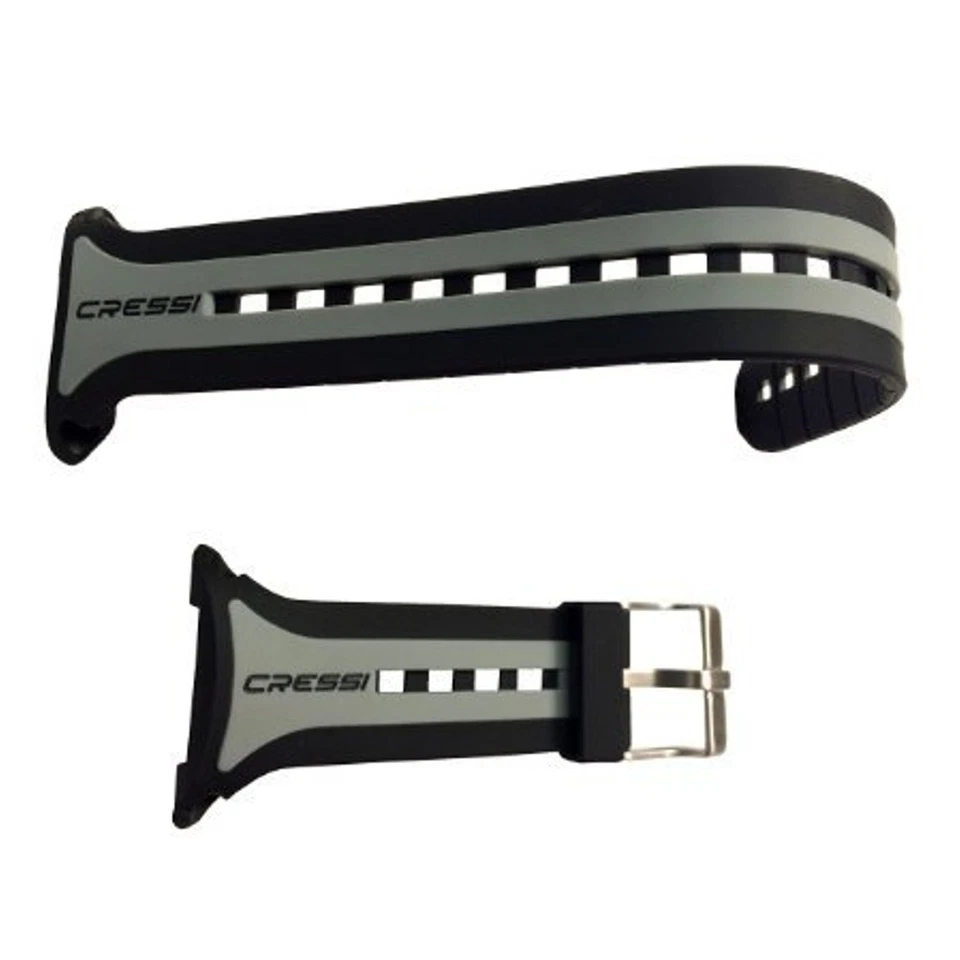
The Leonardo is particularly popular among dive centers for rental fleets because it is nearly indestructible. For the traveling diver, the tool-free battery change is a massive selling point. You can swap out the CR2430 battery on a dive boat using nothing more than a small coin or a flathead screwdriver. The distinct "beep" alarms are also tuned to a frequency that is easy to hear through a hood, ensuring you never miss an ascent rate warning.
3. Aqua Lung i100: Essential Functionality
The Aqua Lung i100 is the embodiment of "everything you need, nothing you don't." It offers four operating modes: Air, Nitrox, Gauge (for use as a depth gauge/timer), and Free Dive. This versatility is rare at this price point.
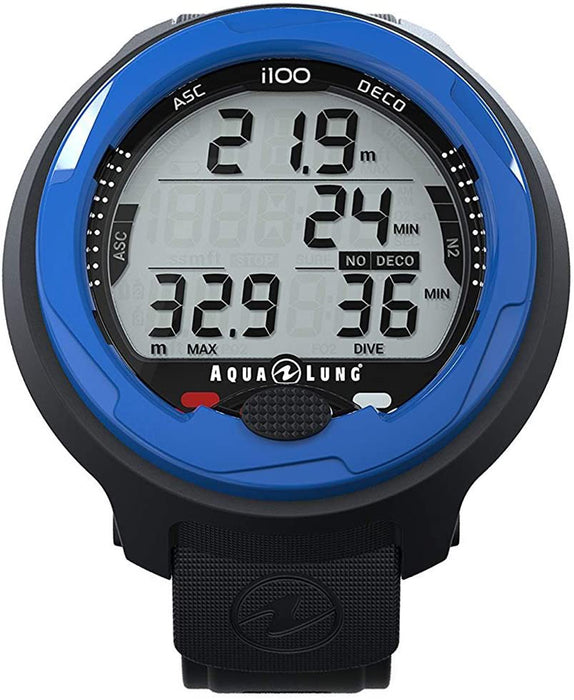
Safety is at the forefront of the i100's design. It features a high-visibility LED warning light that flashes red if you exceed your ascent rate or approach a decompression ceiling. This visual cue is a game-changer for beginners who might be distracted by the scenery and fail to hear an audible alarm. Post-dive, the i100 streamlines data retrieval, allowing you to cycle through your last 24 dives with just a few clicks of the single button.
4. Scubapro Aladin ONE Matrix: Modern Tech in a Simple Package
The Scubapro Aladin ONE Matrix bridges the gap between old-school reliability and modern connectivity. Unlike the fully segmented displays of its competitors, the Aladin ONE features a hybrid matrix display. The bottom row of the screen uses pixels to display text, making it much easier to read "Wait" or "Deco" rather than deciphering cryptic icons.
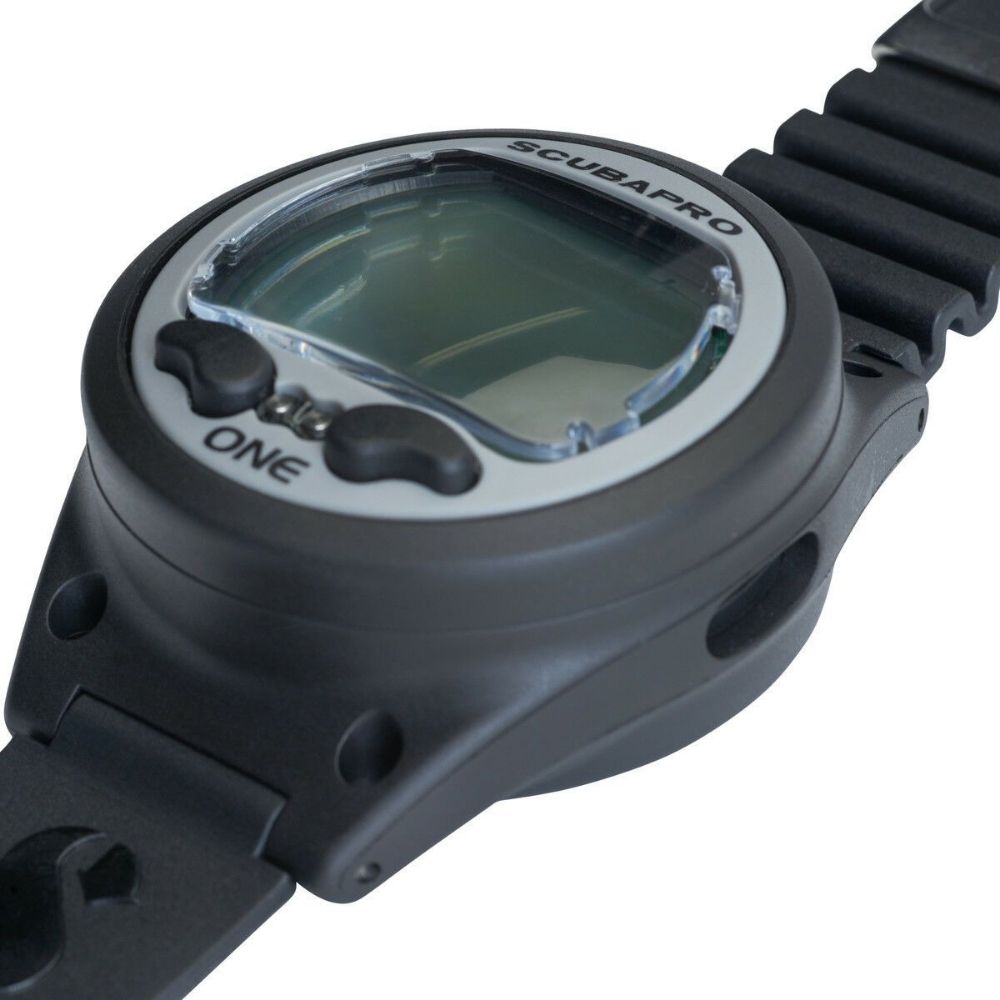
One of its strongest features is the built-in Bluetooth Low Energy (BLE). You can sync your dive data directly to the Scubapro LogTRAK app on your smartphone without needing expensive proprietary cables. It uses the ZH-L16 ADT algorithm, a predictive multi-gas algorithm that remains conservative, helping you stay well within safe limits during repetitive dive days.
5. Genesis Centauri: The Watch-Style Minimalist
While the other computers on this list are "large format" wrist units, the Genesis Centauri adopts a watch-style form factor. This makes it small enough to wear as a daily timepiece while functioning as a full-featured dive computer underwater.
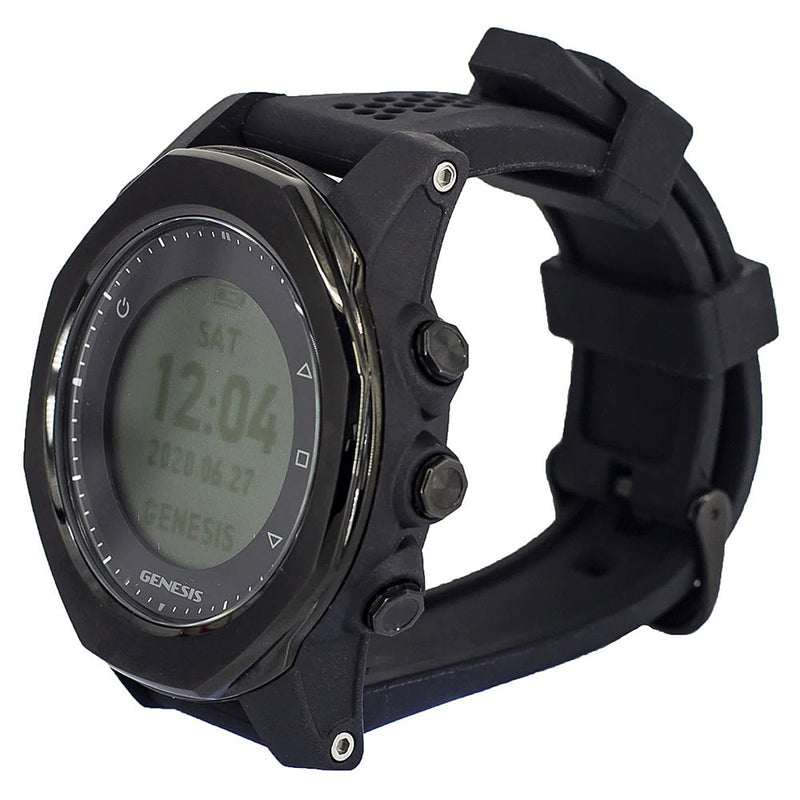
The Centauri uses the widely respected Buhlmann ZHL-16C algorithm, which is the same logic used by many high-end technical computers. Navigating the circular menu is handled by a single tactile button that provides excellent feedback, even when wearing 5mm gloves. It is the only computer in this price bracket to feature a rechargeable battery, eliminating the need for frequent battery changes and reducing environmental waste.
Mastering the Interface: Tips for Single-Button Navigation
Operating a single-button computer is simple, but it requires a disciplined approach to pre-dive preparation. Use the following checklist to ensure you are ready before you step off the boat:
- Check Battery Level: Most computers show a percentage or a "Low" icon. Replace if below 30% for a full day of diving.
- Set Gas Mix: Ensure your
O2percentage matches your tank (usually21%for air or32-36%for Nitrox). - Verify Units: Ensure the computer is set to your preferred units (
MetricvsImperial). - Review Surface Interval: Confirm the computer has registered your time out of the water since the last dive.
- Check 'No Fly' Time: Never board a plane if the "No Fly" icon is visible.
The "Press to Scroll, Hold to Select" Rule
If you get lost in a menu, don't panic. On most single-button units, if you don't press anything for 30 seconds, the screen will default back to the main "Time/Surface" mode. Remember:
- Short Press: Cycles through the menu items (e.g., Log -> Plan -> Set).
- Long Press: Enters the sub-menu or confirms a setting (e.g., holding on "Set" to change your
FO2).
Conclusion: Choosing the Right Tool for Your Diving Journey
Choosing your first dive computer is about balancing your budget with long-term reliability. You need a computer with a color screen and air integration to be safe — actually, a simple, reliable single-button unit provides all the data necessary for safe recreational diving.
If you have larger wrists or prefer maximum legibility, the Mares Puck Pro+ or Cressi Leonardo are fantastic choices. If you want a sleek device that transitions from the office to the ocean, the Genesis Centauri is the way to go. For those who prioritize data syncing and modern displays, the Scubapro Aladin ONE Matrix is a top-tier contender.
Regardless of which model you choose, remember that the best computer is the one you know how to operate inside and out. Spend time on the surface practicing the "short-press, long-press" logic until it becomes second nature.
Ready to gear up? Check out our latest [Scuba Gear Maintenance Guide] to keep your new computer in peak condition for years to come!